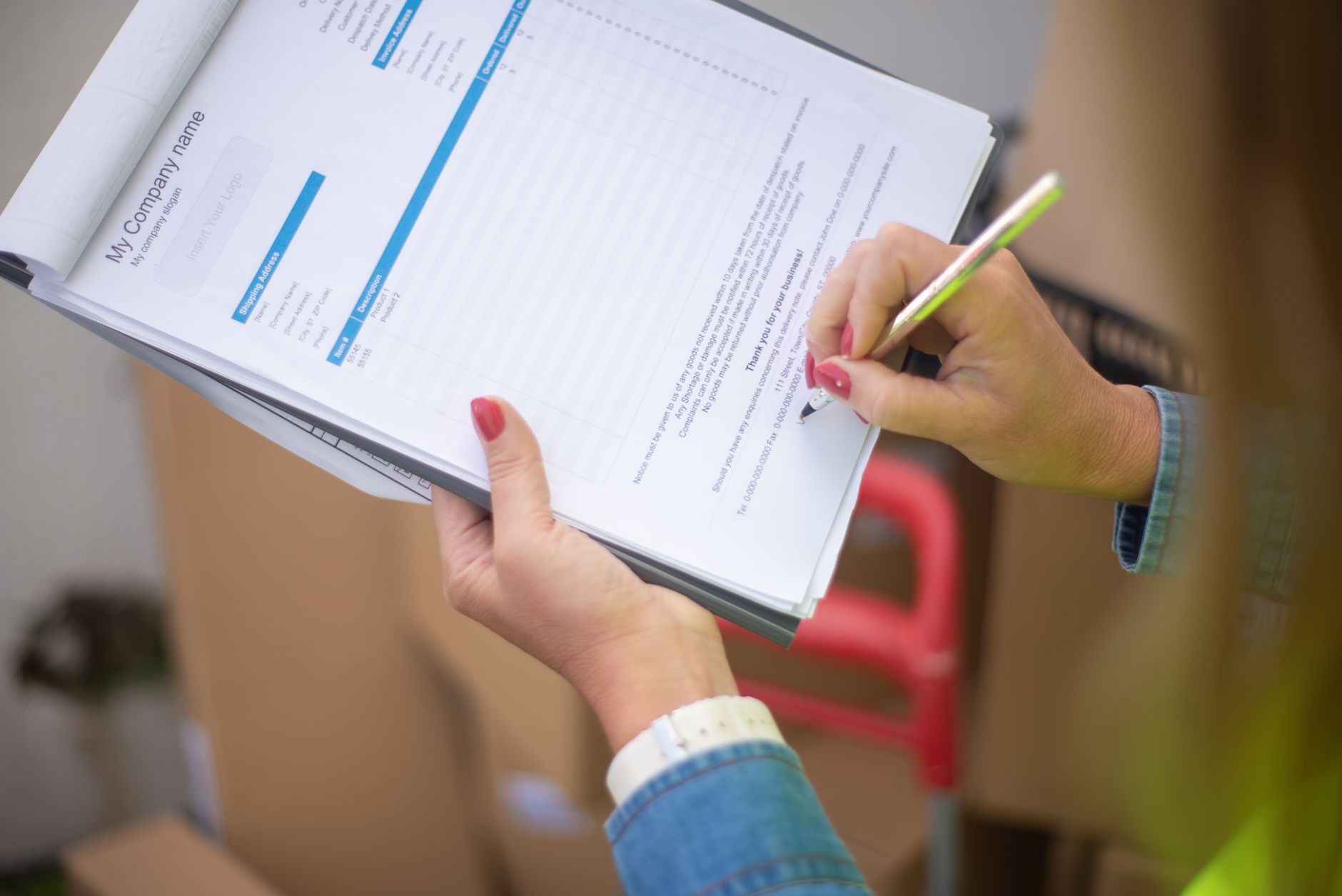
If you sell services for a living, proposals quietly run your business. They convert pipeline into revenue, set client expectations, and protect you when scope drifts. They are also the single most painful thing on most consultants' calendars — the thing that gets pushed to Sunday night, written tired, and shipped with a typo in the budget table. AI, used carefully, can take a real bite out of that pain. Used carelessly, it can also lose you a deal.
This guide is the playbook we wish more small consultancies, agencies, and freelancers had when they started using AI on commercial work. It covers what AI can genuinely write for you, what it cannot, the five-stage workflow that produces proposals worth sending, the prompts that actually work, and the rollout plan that gets your team using all of it within a month.
Why proposals are the perfect AI use case
Proposals are unusually well suited to AI for three reasons. They are structured — almost every winning proposal has the same skeleton: context, problem, approach, deliverables, timeline, price, terms. They are repetitive — most service businesses send variants of the same five or six proposals all year. And they are high-effort but low-novelty — the thinking has usually been done in the discovery call; the proposal is just the act of writing it down clearly.
Put plainly: a senior consultant talking to a prospect for 45 minutes already knows what to propose. The bottleneck is the two to four hours of typing, formatting, and re-reading that come next. That bottleneck is exactly where AI shines — taking your structured inputs and turning them into a clean, well-organised first draft you can shape rather than start from scratch.
The teams getting real leverage out of AI on proposals are not the ones writing one-shot prompts in ChatGPT. They are the ones treating the proposal as a workflow with clear inputs (call notes, client brief, your pricing logic), a clear template, and a clear review step. That is what the rest of this guide builds.
What AI can — and cannot — write for you
Before you change how your team works, it is worth being honest about where the help is real and where it is dangerous.
AI is genuinely good at: turning rough call notes into a coherent context section; rewriting your standard methodology in the prospect's language; generating three or four phrasing options for a tricky paragraph; producing a polished executive summary from the rest of the document; spotting clichés, jargon, and inconsistencies on a final read; and translating an English proposal into a second language for a non-UK client.
AI is unreliable at: inventing pricing, inventing client-specific facts you did not give it, generating accurate case studies, citing real research, and judging legal terms. Any number, name, date, or claim that the model produces without you supplying it should be treated as a guess until you have verified it.
The dividing line is simple. AI is excellent at rewriting what you already know. It is dangerous at filling in things you do not. If you treat that as your one rule, you will avoid almost every embarrassing failure mode. For a deeper look at the most common failure modes and how to catch them before they reach a client, our guide on preventing AI hallucinations in client work walks through a one-page review process you can apply to any AI-assisted deliverable, including proposals.
The five-stage AI proposal workflow
The workflow below takes a typical mid-sized proposal (say, 6 to 10 pages) from a 4-hour job to roughly 60–90 minutes of focused work, with a better hit rate. Each stage has a clear human input and a clear AI output.
Stage 1: Capture the inputs (10 minutes)
Before you open an AI tool, dump everything you know into one document: the discovery-call transcript or notes, the client's original brief or RFP, the names and roles of the people you spoke to, your gut read on the budget, any specific risks the client mentioned, and the two or three outcomes the project must deliver. This is the single biggest determinant of proposal quality. A model fed a five-line brief will write a five-line-quality proposal.
Stage 2: Generate the structured outline (10 minutes)
Ask the AI to turn your messy inputs into a tight outline against your standard proposal structure. Do not ask for prose yet — outlines force the model (and you) to think about logic before paragraphs. If something feels missing at the outline stage, fix it now, not after 1,500 words are written.
Stage 3: Expand into a first draft (15 minutes)
Once you are happy with the outline, ask the model to expand each section into prose, in your house voice, using your template's tone. Provide an example proposal as a style reference so the AI matches your voice rather than producing generic agency-speak.
Stage 4: Insert numbers, names, and case studies by hand (15 minutes)
This is the non-negotiable step. You — not the AI — type the price, the timeline, the named deliverables, the client name, the legal terms, and any case study references. If the AI produced placeholder numbers in earlier stages, treat them as suspects, not facts, and replace them with the real ones from your pricing model.
Stage 5: AI-assisted review and polish (10–20 minutes)
Paste the finished proposal back into the model and ask it to act as a sceptical procurement reviewer. You want three things: every claim that is unsupported, every place where the language is vague or over-promised, and every internal inconsistency between sections. Then do one last human read aloud — for tone, for the price, and for the client's name.
Prompts that actually work
Generic prompts produce generic proposals. The four prompts below are the ones we see used most often in small consultancies that have made AI proposals stick. Adapt them to your own template and voice, save them somewhere your team can reach, and refine them every quarter.
1. The discovery-to-outline prompt. "You are helping me draft a proposal for [client name], a [industry, size] company. Below are my notes from our discovery call and their original brief. Using our standard proposal structure (context, problem, approach, deliverables, timeline, investment, next steps), produce a tight bullet outline. Flag anything important that is missing from my notes and that I should clarify with the client before sending. Do not invent facts. Do not include pricing."
2. The outline-to-draft prompt. "Expand this outline into a proposal in our house voice. Tone: confident, plain English, no jargon, no bullet lists longer than five items, British English spelling, no em dashes. Match the structure and length of the sample proposal pasted below. Where a number, name, or date is needed, write [TK] in square brackets — do not guess. Keep each section under 250 words unless otherwise noted."
3. The procurement-review prompt. "Read this proposal as if you were a sceptical procurement manager who has seen 50 of these this year. List, in order: (a) any claim that is unsupported by evidence in the document, (b) any phrase that sounds vague, generic, or over-promised, (c) any internal inconsistency between sections (for example, deliverables that do not match the timeline), and (d) anything a buyer would worry about but the proposal does not address. Do not rewrite — just list."
4. The translate-and-localise prompt. "Translate this proposal from English into [language], adapting it for a [country] business audience. Keep all numbers, company names, and dates exactly as written. Where an English phrase has no clean equivalent, prefer the local business convention over a literal translation. Flag anything you are unsure about at the end with a short note."
Good prompts share a pattern: clear role, clear inputs, clear constraints, and an explicit "do not guess" clause. If you want to go deeper on this, our walkthrough on prompt engineering for small business covers the wider principles.
The teams winning with AI on proposals are not writing better prompts. They are writing better briefs, then letting AI do what AI is good at — turning structured inputs into clean prose.
Common mistakes and how to avoid them
We see the same five mistakes again and again in small firms experimenting with AI proposals. Each is easy to fix once you have a name for it.
Sending the first draft. The first draft is for you, not the client. Even a strong AI output needs a human pass for tone, accuracy, and the small judgement calls that win deals. If you do not have 20 minutes to review, you do not have time to send.
Letting the AI invent the price. Pricing is a commercial decision, not a writing task. Decide the number using your own pricing model (or your gut, if you are still building one), then type it into the proposal yourself. Our guide on pricing services with AI covers the analysis side without handing the final number to a model.
Pasting confidential client data into the wrong tier. If a proposal includes any client-specific information — and most do — do not use a free consumer plan. Use a Team or Business tier where your inputs are contractually excluded from model training, and ideally one with EU data residency if you are subject to the GDPR.
Using one prompt and hoping. A single mega-prompt that asks the model to do everything at once produces mush. Break the work into the stages above. You will get better output and you will catch problems earlier.
Forgetting to update your template. Every time you rework a proposal section by hand, that rework is a signal your template is out of date. Once a month, fold the best language back into the master template the AI is drafting against. The model gets better; the workflow gets faster.
A 30-day rollout for your team
If you want this to be more than a personal productivity trick, you need to roll it out so the whole team uses the same workflow. Here is a sensible four-week plan for a small services firm.
Week 1 — Pick the offer. Choose one service line you sell most often. Pull your three most recent winning proposals for it. Strip them down to a single clean template: structure, headings, standard language, and the bits you customise per client. This template is the foundation everything else stands on.
Week 2 — Build the prompt pack. Take the four prompts above and tailor them to your service, voice, and template. Save them in a shared Notion page, Google Doc, or your team's preferred wiki. Have one person on the team draft a proposal using the pack end-to-end and write down every place they had to deviate from the prompts.
Week 3 — Run a parallel pilot. For the next three or four real proposals, ask the lead to write one version the old way and one with the new workflow. Compare time spent, the reviewer's confidence in the draft, and (when results come in) win rate. The point is not to prove AI is faster — it almost certainly will be — but to surface the parts of the workflow your team trusts and the parts they do not.
Week 4 — Standardise and train. Lock the workflow, the template, and the prompt pack. Run a one-hour internal training session where the team walks through a live proposal together. Set a calendar reminder for a 90-day review. For the underlying skill of teaching this kind of workflow to a team, our guide on training your team to use AI is a useful companion read.
If you run a consultancy or agency and want a wider view of which AI tools fit alongside this proposal workflow, our roundups on AI tools for consultants and AI tools for marketing agencies place this work inside the broader stack.
The bottom line
AI does not write better proposals than a good consultant. It writes the same quality of proposal in a quarter of the time — but only if you feed it the same structured inputs a good consultant would use, keep the numbers and the client-specific facts in human hands, and run a real review before anything reaches the client. Get those three things right and you will reclaim several hours every week, send proposals faster than your competitors, and stop dreading Sunday evening. Get them wrong and you will lose a deal you should have won, then blame the wrong tool. The workflow is simple. The discipline is everything.
Where does your business stand on AI?
Take the free 3-minute AI Readiness Quiz and get a personalised score with your next steps.
Take the Free Quiz →