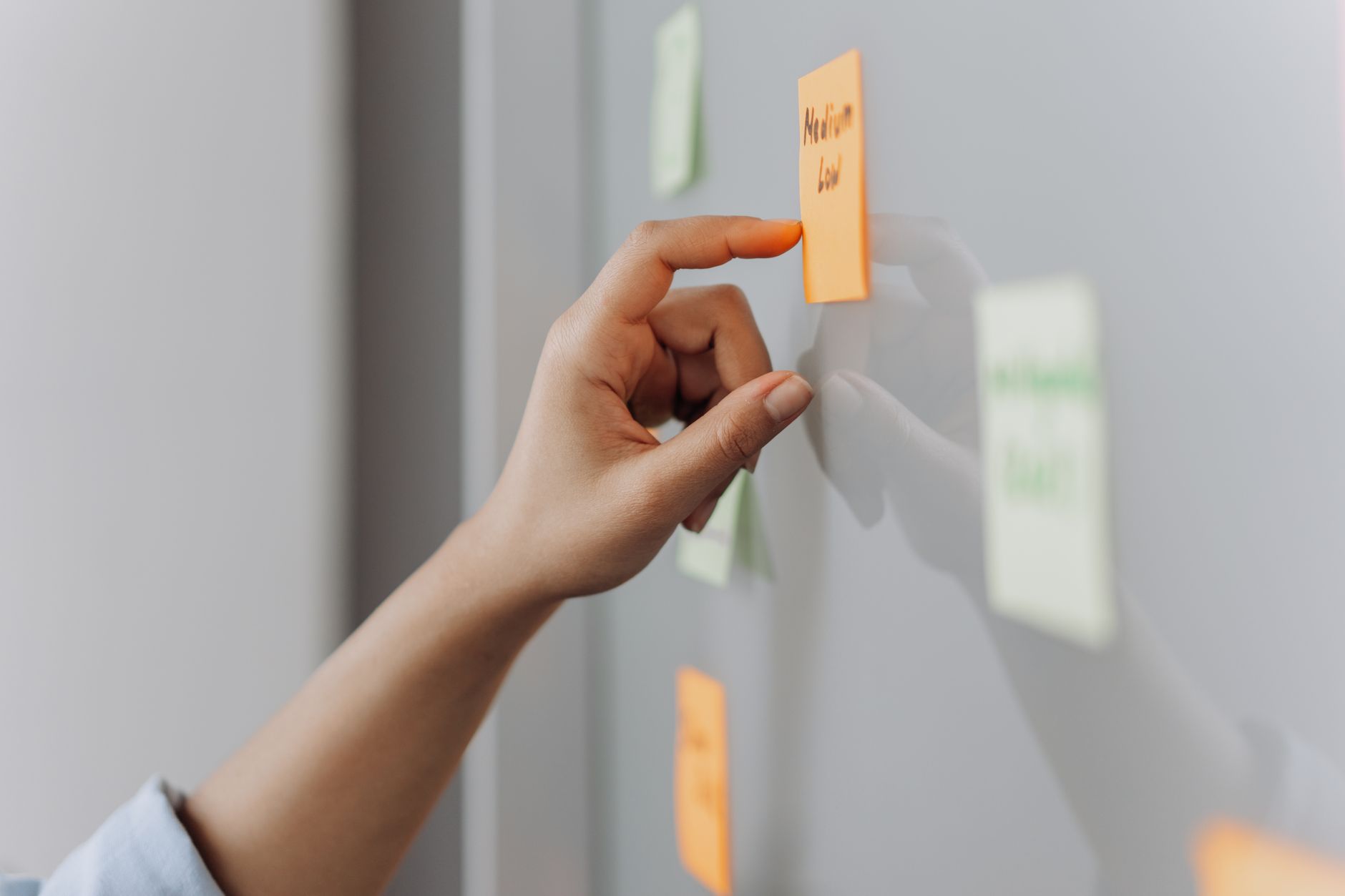
Most small teams do not have a project management problem. They have a project management habit problem. The board in Asana, ClickUp, or Trello starts the quarter beautifully groomed and, six weeks in, is mostly aspirational fiction. Deadlines quietly slip, status updates get written the morning of the review, and the person who actually knows what is going on is the founder holding it all in her head.
AI will not fix that on its own. But used well, it can strip out the parts of project management people quietly hate — writing updates, chasing owners, formatting reports, translating meeting chatter into tasks — and leave you with the parts that actually matter: making decisions and unblocking work. This guide shows exactly how, with prompts you can copy, workflows sized for teams of two to fifteen, and honest notes on where AI still falls over.
Why most small teams struggle with project management
The tools are not the bottleneck. Every small team we speak to already pays for at least one project management app. The bottleneck is that keeping the board accurate is unpaid, unglamorous work that always loses to whatever a client or investor is asking for right now.
There are three symptoms of this you will recognise. First, the tool becomes a to-do list for one or two conscientious people while everyone else works from Slack messages and gut memory. Second, the weekly status update is written from scratch each Friday because the board is not trustworthy enough to summarise. Third, decisions happen in meetings, never get typed up, and quietly evaporate. AI helps most where it removes the friction that caused each of these — not by replacing the tool, but by keeping it honest.
Where AI actually helps — and where it does not
Before you rewire your workflow, be clear-eyed about the split. AI is very good at four things in a project management context: turning unstructured text into structured tasks, summarising status across many sources, drafting the writing nobody enjoys (updates, retros, briefs), and spotting patterns in your own history (recurring blockers, chronic slippers, estimation drift).
It is still weak at three things. It cannot reliably know what is actually happening unless someone tells it — connectors help but do not replace judgement. It cannot prioritise without your criteria, which means "just tell me what to do next" prompts produce plausible-looking nonsense. And it cannot manage people. If a team member has quietly disengaged, no prompt will fix that; a conversation will.
Everything in the rest of this guide sits on the right side of that line.
Five project management workflows to automate first
Pick one, run it for two weeks, then add the next. Trying to change five habits at once is how teams end up back on gut memory by month two.
1. Meeting to tasks, in under 60 seconds
Every stand-up, client call, and planning session produces decisions and actions that never make it into the board. Record the meeting (with consent), paste the transcript into Claude or ChatGPT, and ask for a structured list of tasks, owners, and dates in the exact format your PM tool imports. For most teams this alone recovers 30–60 minutes a week and cuts "who was going to do that?" moments to near zero. Our deeper walkthrough on using AI for meeting notes and follow-ups covers the tooling side.
2. Weekly status update, in ten minutes not sixty
Export the week's activity from your PM tool as CSV (every serious tool has this — Asana, Linear, ClickUp, Monday, Jira). Paste it into your AI assistant with a short brief on the audience (client, board, internal team) and get a first draft. You edit for tone and add context the data does not know. The result: a real status update, not a "we're making progress" wave.
3. Risk and blocker sweep, every Monday morning
Feed the same weekly export into a saved prompt that asks specifically for slipping tasks, tasks with no owner, tasks with no due date, and stalled work. AI is genuinely useful here because it will not get bored on task 47. This turns Monday planning from a scavenger hunt into a triage session.
4. Project brief and kickoff pack, from a paragraph
New project or new client engagement? Give AI the loose brief, the scope, and a few constraints, and have it draft the kickoff document: objectives, success metrics, milestones, roles, risks, decision log template, and a rough plan. You will edit heavily — that is fine. The first draft removes the blank-page tax that keeps kickoffs vague for a fortnight.
5. Retros without the awkward silence
At the end of a project or sprint, paste the timeline, the original plan, and any Slack threads or notes into your AI tool and ask for a candid retrospective in three sections: what worked, what slipped and why, what to change next time. Treat the output as a discussion starter, not a verdict. It surfaces things people were going to say but would not have volunteered.
Which AI tool fits which workflow
You almost certainly do not need a specialist "AI project management" tool. In 2026, the practical stack for a team under 20 is a general-purpose assistant plus whatever PM tool you already run.
Claude Pro or Team is our default for the writing-heavy workflows — briefs, status updates, retros — because it follows format and tone instructions more precisely and handles long transcripts and CSV exports without truncating context. ChatGPT Team is a strong alternative if your team already lives in it, especially because its connectors to Google Drive, Outlook, and increasingly to project tools mean less copy-pasting.
Native AI features inside your PM tool (Asana Intelligence, ClickUp Brain, Notion AI, Linear's AI, Monday AI) are worth switching on for the fast-path actions: task summarisation, sub-task generation, and inline drafting. But do not confuse them for a project management overhaul — they are a productivity layer, not a strategy. If you are picking a general assistant from scratch, our Claude vs ChatGPT for small business comparison lays out the trade-offs.
One rule saves a lot of pain: do not feed client data into free consumer tiers. If your projects involve real client information — even just names and emails — use a Team or Business plan with training turned off. The €5–€10 per seat per month premium is trivial next to the reputational cost of a leak.
Prompts that do most of the work
Save these in a shared doc or as custom instructions in your AI tool. The wording matters less than the shape: give the assistant a role, the raw material, the format you want back, and the constraints.
Meeting to tasks
You are our project manager. Read the transcript below and extract every commitment made. Output as a table with columns: Task, Owner, Due date (guess if unstated), Confidence (high/med/low). Ignore vague intent — only include tasks with a specific action. British English. Transcript: [paste].
Weekly status update
You are drafting a weekly status update for [audience: internal team / client / board]. Use the CSV below of tasks changed this week. Write in 4 sections: 1) Progress (what shipped), 2) In flight (what's active with a % done and next step), 3) Risks (slipping items with owner), 4) Decisions needed. Max 300 words. Direct tone, no filler, no "we are excited to". CSV: [paste].
Risk and blocker sweep
Review the attached task export. Flag: tasks past their due date, tasks with no owner, tasks with no due date, tasks with no activity in the last 10 days, and any two tasks that appear to be duplicates. Group by project. For each flagged item propose one specific next action (assign, re-scope, close, chase). CSV: [paste].
Project kickoff pack
Draft a one-page project kickoff for the brief below. Include: goal in one sentence, 3 success metrics, top 5 milestones with rough dates, roles (RACI-lite), top 3 risks with mitigations, and 5 questions to close before we start. Assume a team of [X] people over [Y] weeks. Brief: [paste].
Retro starter
You are facilitating a blameless retrospective. Using the project timeline, the original plan, and the notes below, draft three sections: (a) what worked, (b) what slipped and the most likely root cause, (c) three changes to make next time, ranked by impact. Be specific. Do not editorialise about individuals. Materials: [paste].
Rollout plan for a team of two to fifteen
Change one habit at a time, and change the one with the highest weekly pain first. For most teams that is the meeting-to-tasks workflow. Here is a four-week plan that we have seen work in real small teams.
- Week 1 — Meetings. Turn on recording for every internal meeting. Nominate one person per meeting to run the transcript through the "meeting to tasks" prompt within an hour of the call ending and drop the output straight into the PM tool. Do not automate this yet — the manual pass is how people learn to trust it.
- Week 2 — Status. Add the weekly status prompt. Whoever normally writes the update on Friday now generates the first draft in ten minutes and edits for the last twenty. Send it. Watch how much less of the meeting on Monday is spent asking "so where are we?"
- Week 3 — Risks. Add the Monday morning blocker sweep. Own the output as a leadership ritual, not a task — someone reviews the AI list, kills the noise, and posts the surviving items to the team channel with owners tagged.
- Week 4 — Kickoffs and retros. Apply the kickoff prompt to your next new project and the retro prompt to your next finished one. This is where teams often notice the compounding effect — projects start cleaner and end with real lessons captured.
If your team has never worked this way before, the change is cultural as much as technical. Our guide on how to train your team to use AI covers the people side. And if your projects generate the same procedural work over and over, pair this playbook with using AI to write SOPs so the workflows become documented, not tribal.
The teams that win with AI project management are not the ones with the most sophisticated setup. They are the ones who removed enough drudgery that the tool actually gets used every day.
Common mistakes to avoid
Automating before the workflow is trusted. Every team is tempted to wire meeting recordings straight into their PM tool via a Zapier or n8n flow. Do not, at least not in month one. Automations that push garbage into the board erode trust faster than manual gaps do. Automate only what a human has been doing correctly for four weeks running.
Asking AI to prioritise without your criteria. "What should we work on next?" gets you a well-written guess. Feed the assistant your actual prioritisation criteria — revenue impact, customer commitment, dependency risk, effort — and it becomes useful. No criteria in, no criteria out.
Skipping the human read on client-facing outputs. AI drafts of status updates and briefs are excellent 80% of the time and embarrassingly wrong the other 20%. Always have a named person read anything that leaves your building. If you are not sure how AI mistakes tend to show up in client work, how to prevent AI hallucinations in client work is worth ten minutes.
Choosing the tool before the workflow. Every quarter a new AI-native project management app launches promising to change everything. Almost none of them do. Fix the workflow with the tools you have first — then evaluate whether specialised tooling would pay for itself.
The bottom line
AI is not a project manager. It is a very fast, very patient assistant that will do the writing, sorting, and summarising your team has been quietly resenting for years. Pick one workflow — meetings, updates, blockers, kickoffs, or retros — save two or three prompts, and run it for a month. If the board is more accurate and the Friday panic is smaller, add the next one. Within a quarter, project management stops being the tax you pay for growth and starts being the discipline that unlocks it.
Where does your business stand on AI?
Take the free 3-minute AI Readiness Quiz and get a personalised score with your next steps.
Take the Free Quiz →