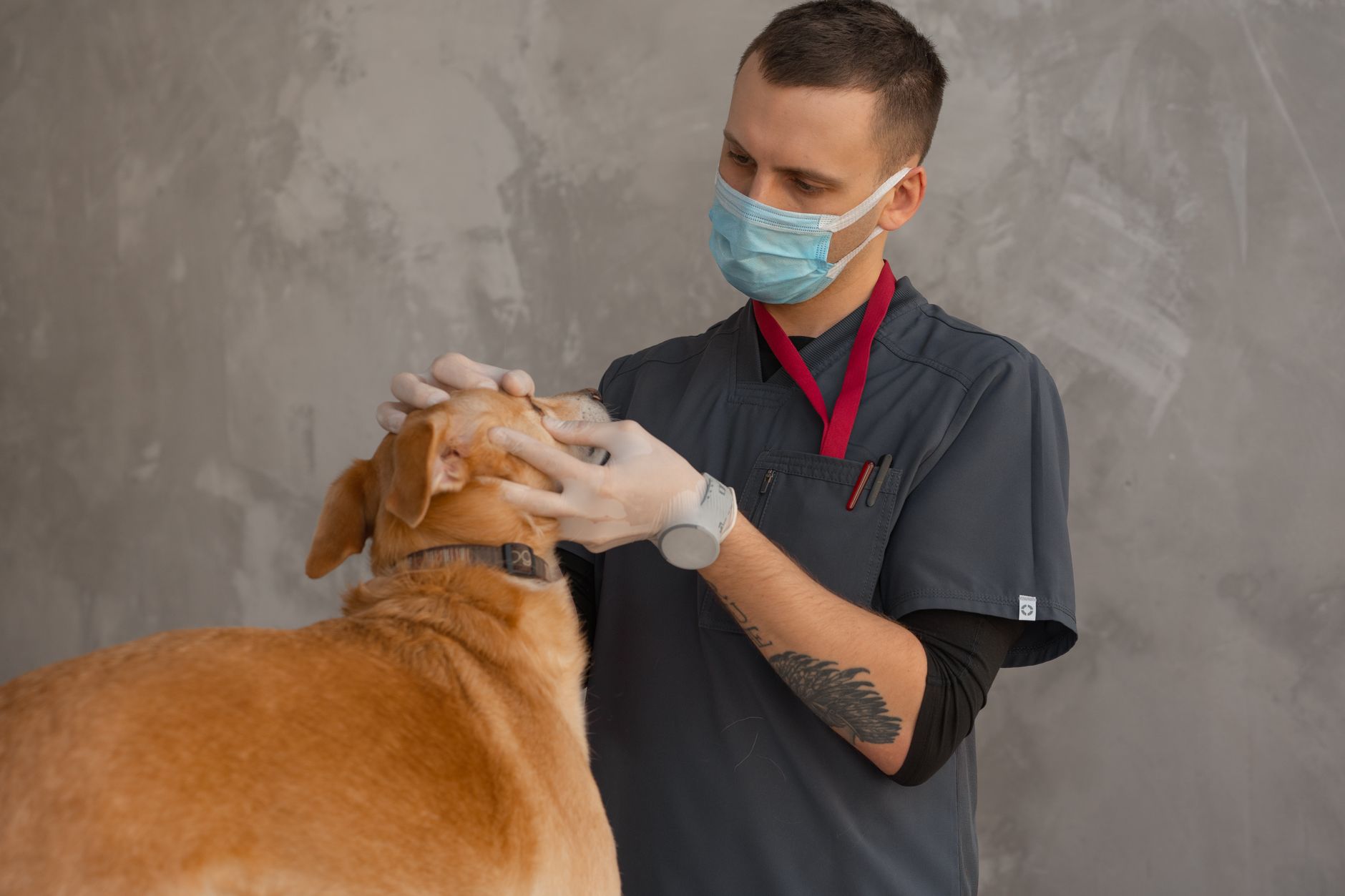
If you run an independent veterinary clinic, you do not have a productivity problem — you have a "too many things at once" problem. The phone rings while a client is at the desk paying. A nurse is mid-consult while a worried owner emails about their dog's limp. Notes pile up after closing. Recall reminders slip. And every minute spent on admin is a minute not spent on the animals you actually trained to care for.
This is exactly the kind of work AI is good at in 2026. Not replacing the vet, the nurse, or the receptionist — but giving each of them back roughly five to ten hours a week of repetitive, structured, low-judgement work. The clinics getting the most out of AI right now are not deploying anything exotic. They are running five well-defined workflows on tools that cost between €0 and €200 a month per practice.
This is the playbook.
Why veterinary clinics are an especially good fit for AI
Three things make a small vet practice unusually well-suited to AI adoption.
First, the work is heavily repetitive on the admin side. Appointment confirmations, vaccination reminders, post-op check-in messages, estimate follow-ups, supplier reordering, basic FAQs about food, fleas, and pricing — all of this is high-volume, low-variance, and exactly what AI handles best.
Second, the client communication burden has grown faster than staffing. Pet owners in 2026 expect a same-day reply on email, WhatsApp, Instagram DMs, and the practice phone. A two-vet clinic with one receptionist simply cannot keep up on every channel — and the cost of dropping a message is real: clients quietly move to the practice down the road.
Third, the regulatory edges are clearer than in human healthcare. You still have GDPR obligations for client data, and clinical decisions stay with the vet — but you are not bound by the same heavy patient-data frameworks (HIPAA, NHS DSP Toolkit) that complicate AI rollouts in human medicine. That gives you more practical room to experiment.
The five AI workflows worth running in a small vet practice
Every workflow below has been tested by real independent clinics in the UK, Ireland, and continental Europe. Pick one, prove it for two weeks, then add the next.
1. AI-drafted client communication
This is the highest-ROI starting point. Roughly 70 per cent of the email and message traffic in a typical small-animal practice is one of about a dozen patterns: vaccination due, post-op recovery questions, food and parasite advice, estimate explanations, appointment rescheduling, behaviour queries. A receptionist or nurse who handles these from scratch takes three to five minutes per reply. The same person, drafting with an AI assistant, takes about 60 seconds.
The setup is simple. Create a single document — call it clinic-context.md — that contains your practice policies, pricing bands, vaccination schedules, post-op aftercare templates, opening hours, and tone of voice (warm, plain, no jargon). When a client message comes in, paste it into Claude or ChatGPT along with that context document, and ask for a draft reply. A human reviews it for 20 seconds before sending.
The catch: never let the AI give clinical advice unsupervised. Set an internal rule that anything touching diagnosis, dosage, or "should I bring them in?" gets a vet's eye before it goes out.
2. AI-assisted clinical note writing
Notes are the single biggest source of after-hours unpaid work for most vets. In 2026, a small group of veterinary-specific tools — Talkatoo, Scribenote, and Vetspire's AI scribe among them — let you dictate during or just after a consult, and produce a structured SOAP note in your practice management system. Time per note typically drops from six to eight minutes down to 90 seconds of review.
For practices not yet ready for a vet-specific tool, the generic alternative works surprisingly well: dictate a one-minute voice note into your phone, drop the transcript into Claude or ChatGPT with a SOAP template, and let it format the result. Cost: roughly €20 per month, versus €80–€150 for vet-specific tools. Quality is lower but workable, and it lets you test the workflow before committing to a sector tool.
Whichever you use, the rule is the same: the AI drafts, the vet signs. Always.
3. Automated recall and reminder messaging
Most practice management systems already do basic vaccination and check-up recalls, but the messages are usually generic and one-shot. AI can do better. Tools like Vetstoria, PetDesk, and Digitail integrate with common PMS platforms (Provet, Vetera, RoboVet, ezyVet) and use AI to personalise message content, choose the channel (SMS, email, WhatsApp) the client actually responds to, and send a second nudge in different wording if the first is ignored.
Clinics that have switched to AI-personalised recall typically report a 15–25 per cent uplift in attendance for annual vaccinations and a meaningful reduction in no-shows for booked appointments. On a 1,500-active-patient list, that is real money — usually well above the €60–€120/month subscription cost.
4. AI receptionist for after-hours and overflow
The hardest message volume to handle is the one that arrives outside opening hours, or while every line is busy. Voice AI tools — PetDesk Voice, Goodcall, and increasingly the AI add-ons inside ezyVet and Vetspire — can now answer the phone, book routine appointments straight into your calendar, answer FAQs about cost and opening times, and triage anything urgent to your out-of-hours number.
This is the workflow most owners are nervous about, and rightly so. A bad AI receptionist that pretends to be human and gets it wrong is worse than a voicemail. Three rules keep it safe. The bot must identify itself as automated at the start of every call. It must escalate to a human number for anything clinical, anything emotional, or any request it does not understand on the first try. And you should listen back to the first 50 calls personally to refine the script.
5. Inventory and supplier ordering
This one is unglamorous and very profitable. Vet practices typically waste 4 to 8 per cent of stock value on expired drugs and food, and lose more on emergency orders made because someone did not notice a line item was low. Modern PMS systems with AI inventory features (ezyVet, Provet Cloud, Vetspire) can now forecast usage from your last 12 months of consumption, flag items running below threshold, and pre-fill purchase orders with your usual suppliers.
If your PMS does not have this built in, a lightweight workaround works: export your usage data monthly to a spreadsheet, drop it into Claude with a prompt like "Based on this 12-month usage, suggest reorder points and quantities for each SKU", and use the output to update your manual stock sheet. Crude, but it has paid for a junior nurse's coffee fund in more than one clinic we have spoken to.
A recommended tool stack by practice size
Solo or single-vet practice (1–2 staff, < 800 active patients): Claude Pro or ChatGPT Plus (€20/month) for drafting and clinical notes, plus your existing PMS. Add Goodcall (€40–€60/month) for after-hours phone handling once the basics are working. Total: under €100/month.
Small clinic (2–4 vets, 800–2,500 active patients): Add a veterinary-specific scribe (Scribenote or Talkatoo, €80–€120/month per vet) and an AI-powered recall tool (PetDesk or Vetstoria, €100–€150/month). Total: €300–€600/month for the practice. Expect to pay back through reduced no-shows and reclaimed clinical hours within 60 days.
Multi-site or referral practice (5+ vets): Move to an integrated platform — ezyVet with AI add-ons, Vetspire, or Digitail — that covers PMS, recall, AI scribe, and inventory in one system. Total: €600–€2,000/month depending on configuration, but it replaces three or four separate subscriptions and the integration tax of stitching them together.
The compliance and clinical-safety edges that actually matter
You do not need a 40-page AI policy. You do need to be deliberate about four things.
Client data and GDPR. Pet owner data is personal data. Treat any AI tool that processes client emails, phone calls, or messages as a data processor: ask for a Data Processing Agreement, check the data residency (EU-hosted is simpler), and avoid pasting full client records into consumer AI chat tools. For drafting replies, redact identifying details or use the enterprise tiers (Claude for Work, ChatGPT Enterprise) that do not train on your inputs.
Clinical accountability stays with the vet. AI scribes draft notes; vets sign them. AI receptionists can book appointments; vets approve treatment plans. Spell this out in writing once, and put it in every new starter's induction.
Disclosure to clients. If your phone is answered by an AI, say so. If your reminder messages are drafted by AI, you do not need to disclose — but never let the AI claim to be a specific human ("Hi, this is Sarah from the front desk") when it is not.
Prescription and controlled-drug workflows are off-limits. Anything involving Schedule 2/3 drugs, dosing decisions, or formal clinical recommendations should not touch a generative AI tool that could hallucinate a number. Use AI for the admin around them, not the decisions themselves.
The vet practices that get AI right are not the ones with the most tools. They are the ones who picked one workflow, made it boringly reliable, then added the next. A scribe that saves five minutes per consult, compounded across 25 consults a day, is worth more than any flashy assistant you never quite trust.
A 30-day pilot plan you can actually run
Week 1 — Pick the workflow and prepare the context. Choose one of the five workflows above. For most clinics, AI-drafted client communication is the safest starting point. Spend two hours writing your clinic-context.md: practice policies, prices, vaccination schedules, tone of voice, three or four sample answers to common questions. This document is your single biggest lever.
Week 2 — Run it on a subset. Have one person — usually the head receptionist or practice manager — use the AI workflow for half of incoming messages. The other half stays manual as a control. Track time-per-reply and client response. Adjust the context document as gaps appear.
Week 3 — Roll out and measure. Switch the whole team to the AI-assisted workflow. Add a simple weekly metric review: time saved, message volume handled, any client complaints or confusion. If the numbers look good, add a second workflow (clinical scribe is usually next).
Week 4 — Decide and document. Write a one-page internal note: what worked, what did not, what you are keeping, what the next workflow is. Share it with the team. Schedule a monthly 30-minute review thereafter. This is how the wins compound instead of leaking back into old habits.
If you want a deeper framework for picking and sequencing workflows across more than just admin, we cover the full approach in our AI implementation roadmap template, and our AI playbook for dental practices covers a closely related single-location healthcare workflow if you want a parallel case study. For the financial side of the decision, our guide to calculating ROI on AI implementation walks through the numbers that matter.
What this looks like in 12 months
A two-vet small-animal clinic running all five workflows above typically ends up with roughly: 8–12 hours a week of reclaimed front-desk time, two hours per vet per day of reclaimed clinical-note time, a 15–25 per cent uplift in annual recall attendance, and a meaningful drop in expired-stock waste. The combined value to a small practice usually lands between €40,000 and €90,000 a year, against a tool spend of €3,000–€8,000.
The ratio is not magic. It is what happens when you stop using highly trained clinicians and warm-blooded humans to do work that was always going to be repetitive — and you let them spend that time on the part of the job no AI can do: looking the worried owner in the eye and explaining what is actually wrong with their dog.
Where does your business stand on AI?
Take the free 3-minute AI Readiness Quiz and get a personalised score with your next steps.
Take the Free Quiz →