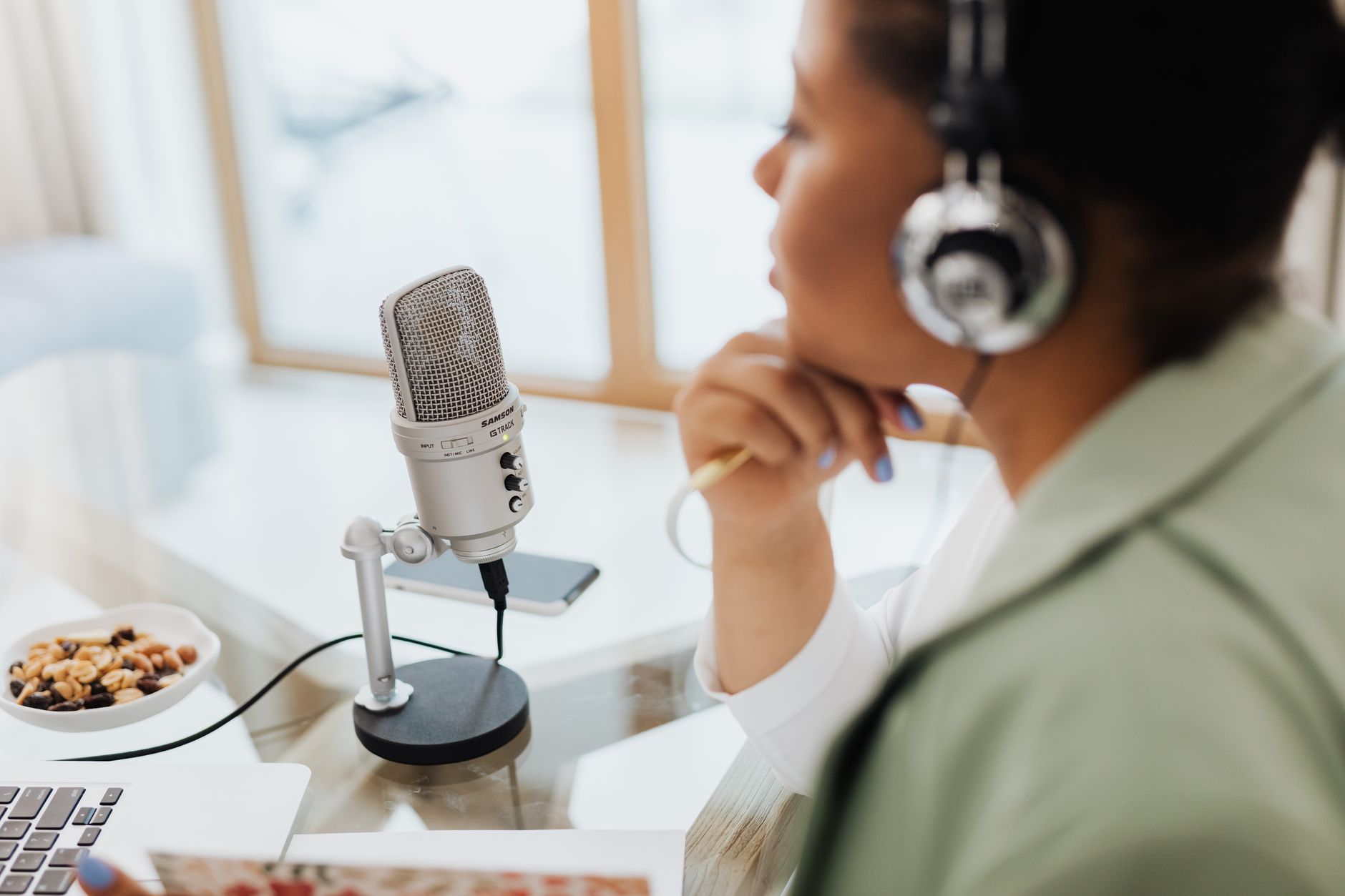
Most independent podcasters in 2026 are still spending three to six hours of post-production work for every hour of recorded audio. Editing, show notes, chapter markers, social clips, transcripts, episode descriptions — it adds up. And it usually lands on the host's plate, which means the show that should be a creative outlet starts to feel like a second job.
AI does not change what makes a podcast worth listening to. A clear point of view, a guest worth booking, and a host who can hold a conversation will always do the heavy lifting. But the boring half of running a show — the half that eats your evenings — is exactly the kind of work AI is now good at. The shows that grew the fastest in the last year were not the ones with the biggest budgets. They were the ones who built a tight AI workflow around a one-person production team and used the time they saved to publish more consistently and promote each episode harder.
This is a playbook of what is actually working: which workflows to automate first, what tools to use at each show size, where AI quietly damages quality if you let it, and a 30-day pilot you can run on your next four episodes.
Where AI actually moves the needle for a podcast
Strip the hype away and AI delivers real value in five specific places in a podcast's production cycle. None of them are the creative part. All of them are the part that previously forced you to either work weekends or pay an editor €200 to €400 per episode.
The first is audio cleanup and editing. Tools like Descript, Adobe Podcast Enhance, and Auphonic can now take a rough Zoom or Riverside recording and produce a near-broadcast-quality master in minutes. Background noise, mouth clicks, level mismatches between hosts and guests, room echo — all of it cleans up automatically. The same tools let you edit audio by editing a transcript, which removes filler words and "ums" with a click and cuts a 90-minute conversation into a 55-minute episode in roughly half the time it used to take in Audition or Logic.
The second is transcripts, show notes, and chapter markers. The same transcript you used to edit becomes the source for everything else. A well-prompted Claude or ChatGPT run produces accurate show notes, episode summaries, a clean chapter list with timestamps, an SEO-friendly episode title, and a 200-word description that does not sound like a press release. What used to be 45 minutes of post-production becomes ten minutes of review.
The third is repurposing into short-form video and social. This is where the leverage compounds. Opus Clip, Vidyo.ai, and Spikes Studio scan a long episode, find the strongest 30 to 90-second moments, auto-caption them, and reframe to vertical for Reels, Shorts, and TikTok. A single 60-minute episode realistically produces eight to twelve short clips, a quote graphic, a LinkedIn post, a newsletter section, and a thread — from one input file.
The fourth is guest research and interview prep. Perplexity, Claude, and Gemini Deep Research will pull a guest's last five interviews, their book, their recent posts, and their most-quoted ideas, and give you a structured brief with the questions they are tired of answering and the angles nobody has pushed them on yet. A 90-minute research task becomes a 15-minute review.
The fifth is audience growth and discoverability. AI handles the boring half of the marketing job: writing newsletter intros, drafting outreach to potential guests, generating SEO-friendly episode pages, and producing the metadata that makes podcasts surfaceable in Apple Podcasts, Spotify, and YouTube search. None of it replaces a point of view. All of it removes the friction that stops smaller shows from doing the promotion they know they should be doing.
What not to automate
Three things will quietly damage a podcast if AI touches them, and they are all worth naming upfront.
Do not let AI write your hot takes or the host's opinions in show notes. Listeners can tell. Generic phrasing, hedging language, and the smell of "AI summary" voice will pull your show down the trust ladder faster than a bad audio mix. AI drafts. The host edits.
Do not use synthesised voice clones to publish new content without disclosing it. Spotify, Apple, and YouTube are tightening their policies on AI-generated audio through 2026, and the EU AI Act's transparency obligations now apply to synthetic media. If you use an AI voice — including ElevenLabs read-throughs of show notes or sponsor reads — disclose it in the episode description. Audiences are more forgiving than platform algorithms; both expect honesty.
Do not let AI-generated clips ship without a human watching them. Short-form tools occasionally surface a moment that sounds good in isolation but lands badly out of context — a guest quote that looks like a hot take, or a clip that ends mid-thought. Two minutes of review per clip saves you a deleted post later.
The tool stack — by show size
The stack you actually need depends on how much you are publishing and whether you are solo or running a small network. Here is what works at each scale.
Solo show, weekly or fortnightly (< 5,000 downloads per episode)
You are optimising for time, not budget. Pick a thin stack and run it consistently.
- Recording: Riverside or Zencastr (free to €15/month) — local recording so a dropped connection does not kill your episode.
- Editing and transcript: Descript (€15 to €30/month) — edit-by-text plus AI cleanup in one place.
- Audio polish: Adobe Podcast Enhance (free) — a final pass for guest tracks recorded on bad microphones.
- Show notes and metadata: Claude or ChatGPT (€0 to €20/month) — one reusable prompt produces title, summary, chapter markers, and SEO description from the transcript.
- Short-form clips: Opus Clip or Spikes Studio (€15 to €30/month) — auto-clipped vertical video for social.
- Hosting: Transistor, Captivate, or Buzzsprout (€15 to €25/month).
Total stack: roughly €60 to €120 a month. Time saved: typically three to four hours per episode versus a fully manual workflow.
Two- or three-host show, weekly with video on YouTube (5,000 to 25,000 downloads)
You need a stack that handles multi-track audio, video repurposing, and a consistent visual identity.
- Recording: Riverside Pro or Squadcast (€25 to €40/month) — multi-track local recording with separate video files.
- Editing: Descript Producer (€30 to €50/month) plus a part-time editor for the final cut.
- Short-form: Opus Clip Pro or Vidyo.ai (€30 to €60/month) — branded captions, custom templates, ten to fifteen clips per episode.
- Guest research: Perplexity Pro (€20/month) — sourced briefs you can hand to a host before recording.
- YouTube SEO: TubeBuddy or VidIQ (€10 to €20/month) — AI title suggestions and tag research that move you up in YouTube search.
Total stack: roughly €150 to €250 a month plus editor fees. The ratio matters: if AI saves four hours of editor time per episode at €40 to €60 an hour, the stack pays for itself in the first episode of the month.
Small network or production company (multiple shows)
At this scale, AI moves from a productivity tool to operational infrastructure. You are looking at Descript Enterprise or Riverside Teams, a centralised transcript library (often built on a tool like Notion AI or Glean), a dedicated person managing prompts and templates, and a guest CRM that integrates with your research workflow. Budgets typically land in the €500 to €1,500 per month range across tools. The ROI calculation here is closer to the one in our AI marketing workflow guide for small teams — a small production unit can credibly output what a five-person team did in 2023.
The prompts that actually do work
Most podcasters who try AI for show notes give up after two weeks because the output sounds generic. The fix is almost always the prompt, not the model. Here are three prompt patterns worth saving.
For show notes from a transcript: "You are writing the show notes for [show name], a podcast about [topic] for [audience]. The host's voice is [direct/curious/sceptical/warm — pick two]. Read the transcript below. Produce: a 50-word hook, a 200-word episode summary, six chapter markers with timestamps, three pull quotes under 25 words each, and an SEO-friendly title under 60 characters. Do not use the phrases 'in this episode', 'dive into', or 'unpack'. Match the host's voice, not a press release."
For guest research: "I am interviewing [guest] on [show name] next week about [topic]. Pull from their last five long-form interviews and any books or essays. Give me: their three best-known ideas, the two ideas they are tired of being asked about, three questions a thoughtful interviewer has not asked them yet, and one contrarian angle that respects their work but pushes on it. Cite sources for each."
For repurposing decisions: "Here is the transcript of episode [n]. Identify the three moments most likely to perform on short-form video, the one moment that would make a strong newsletter intro, and the single sentence that would work as a quote graphic. For each, explain in one line why it works as a standalone."
These are the kinds of structured prompts our prompt engineering guide for small businesses walks through in more detail. The pattern is always the same: tell the model who, for whom, in what voice, what to produce, and what to avoid.
The risk and rights edges that matter
Three edges are worth knowing before you embed AI deeper in your workflow.
Guest consent for AI-touched audio. Cleaning up a guest's track with noise removal is uncontroversial. Using AI to fill in audio they did not actually say — even to patch a recording glitch — needs explicit consent. Add a line to your guest release: "We may use AI tools to remove background noise, balance audio levels, and clean up edits. We will not use voice synthesis to generate words you did not speak."
Transcript privacy. If you upload guest audio to a third-party transcription service, you are processing personal data on their behalf. Under GDPR, you need a data processing agreement with the provider and a clear retention policy. Descript, Otter, and the major tools all publish DPAs — use them.
AI Act transparency for synthetic media. From 2026 the EU AI Act's transparency rules apply to synthetic audio and video. If you use any AI-generated voice — even for sponsor reads or trailer voiceovers — disclose it in a way the listener can perceive. A line in the episode description plus a sentence at the start of the segment is sufficient and good practice regardless. Our EU AI Act guide for small businesses walks through the wider obligations.
AI does not make a bad podcast good. It makes a good podcast publishable on a schedule a one-person team can sustain — which is the real reason most shows die in their second year.
A 30-day pilot you can run on your next four episodes
Do not redesign your entire workflow at once. Run a four-week pilot, one workflow per week, and measure the time saved.
Week 1 — Audio and transcript. Move your next episode to Descript or Adobe Podcast Enhance for cleanup. Time the full production cycle and compare it to your usual workflow. Most hosts save 60 to 90 minutes on this step alone.
Week 2 — Show notes and metadata. Set up a reusable Claude or ChatGPT prompt for your show. Run it against the transcript from week 1. Edit the output once for voice, then save the edited version as a few-shot example in your prompt for next time.
Week 3 — Short-form repurposing. Run the same episode through Opus Clip or Vidyo.ai. Publish three clips to your strongest social platform — not all twelve. Track which one drove the most click-throughs back to the full episode. That is your template moment for future shows.
Week 4 — Guest research and audience. Use Perplexity or Claude to prepare for your next guest. Compare your interview to one you did without AI prep. Use the same week to draft your next four newsletter intros from existing transcripts. Decide which two workflows from the four weeks earned a permanent place in your stack.
At the end of the month, you will know what saves time for your specific show, what is not worth the subscription, and what part of your editorial voice you need to keep manually. That is the point of a pilot — not to adopt every tool, but to find the two or three that genuinely give you back an evening a week.
The shows that will compound through 2026 and 2027 are not the ones with the loudest opinions about AI. They are the ones quietly running a tighter loop than they could two years ago — publishing more consistently, promoting each episode harder, and using the time saved to do the part AI cannot help with: book better guests, ask sharper questions, and develop the point of view that made someone subscribe in the first place.
Where does your business stand on AI?
Take the free 3-minute AI Readiness Quiz and get a personalised score with your next steps.
Take the Free Quiz →