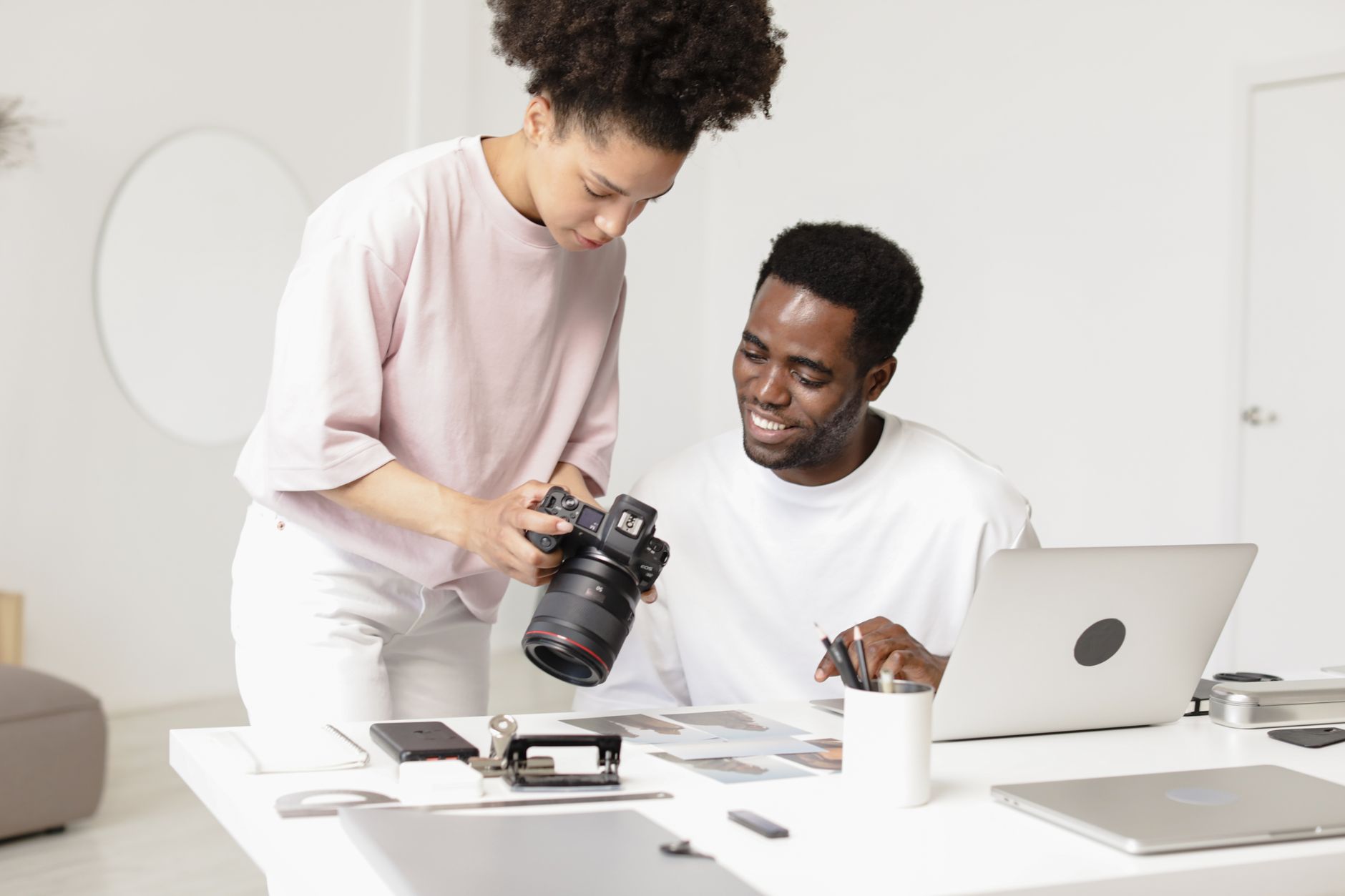
Photographers came to AI cautiously, and with good reason. The first wave of image-generation tools felt like an existential threat to the craft, and the second wave of "one-click editing" plug-ins felt like a fast way to flatten the look that took years to build. The photographers who adopted AI well in 2026 did not lead with either of those. They led with the unglamorous parts of running a small business — culling, client emails, gallery delivery, SEO copy — and only then turned AI toward the picture itself, on their terms.
This guide is for the working photographer running a studio of one to five people. Weddings, portraits, family, brand, commercial, real estate. If you are spending more time at a screen than behind a camera, and you suspect at least some of that time is AI-shaped work, this is the playbook to read before you buy another plug-in.
Why photographers waited — and why the maths changed in 2026
Three things shifted in the last twelve months. First, the editing tools that used to flatten skin and over-sharpen everything got dramatically better at preserving the photographer's style — Lightroom AI presets, Capture One Style Library, and Imagen all now learn from your own back catalogue rather than imposing a generic look. Second, the wider business stack — CRMs, gallery hosts, email tools — started shipping native AI features instead of bolt-ons, which means a single subscription often replaces three. Third, client expectations on turnaround time collapsed. Couples now expect a wedding sneak peek within 48 hours; brand clients expect a hero shot delivered the same day. Without AI in the workflow, hitting those windows means working evenings.
The maths on a typical 60-hour wedding edit tells the story. Most studios that adopted AI culling and AI-assisted editing in 2026 are reporting 50 to 70 percent reductions in post-production time per wedding, recovered without losing the look that gets them booked. That is not a marginal gain — that is the difference between shooting 25 weddings a year and 40, or between doing your own editing and outsourcing it.
The five workflows worth automating first
Skip the headline-grabbing image generators for now. The biggest wins for a working photographer in 2026 are in the unsexy operational layer, then in editing, then — very last — in any creative AI output you might use in client work.
1. Culling and selection
Culling is the single biggest time sink in a portrait or wedding workflow, and the first place AI pays for itself. Tools like Aftershoot, Narrative Select, and FilterPixel run through 3,000 to 8,000 images from a wedding day, flag closed eyes and out-of-focus frames, and group near-duplicates so you only review the best of each cluster. A cull that used to take four hours drops to under one. You still make the final call — the AI just gets you to the shortlist faster.
The rule that matters: train the tool on your past culls before you trust it on a live job. Most of these tools let you import a previously culled wedding and learn your preferences. Skip that step and you will spend the saved hours arguing with the recommendations.
2. Style-preserving editing
The big jump in 2026 is editing tools that learn your style rather than imposing a generic one. Imagen and Aftershoot Edits both let you upload 1,000 to 3,000 of your previously edited images, build a personalised profile, and then apply it to new shoots. The output is genuinely close enough that most photographers only do a final tone-and-crop pass rather than editing image by image.
The honest caveat: the first profile is rarely good enough. Plan to retrain it twice — once after the first 200 edits, once after a different lighting condition appears (golden hour, indoor reception, harsh midday). After that, most workflows stabilise.
3. Client communication and inbox
The same drafting workflow that has transformed support for other small businesses works just as well for a photography studio. Inquiry replies, scheduling back-and-forth, pre-shoot questionnaires, post-delivery thank-yous — all of it can be drafted by an LLM in your voice if you give it the right context.
The setup is simple. Paste your three best-performing inquiry replies, your standard contract terms, your typical packages and pricing, and your tone-of-voice notes into a single reusable prompt. Then for every new inquiry, paste the customer message and ask for a draft. Most photographers report cutting inbox time by 60 percent, which on a busy enquiry week is the difference between booking more couples and losing them to the studio that replied first. The same logic we cover in our AI customer service playbook for SMBs applies directly.
4. SEO and content for your website
Photographers compete on Google for location-based keywords — "wedding photographer Edinburgh", "newborn photography Madrid" — and most studios under-invest here because writing blog posts about every wedding is brutal. AI fixes the throughput problem without sacrificing personality. Feed an LLM your shot list, the venue, a few details from the day, and your existing blog tone of voice, and you get a 600-word draft you can edit in ten minutes. Multiply by every wedding and you build the location-keyword footprint that ranks.
Galleries are the other lever. Tools like Pic-Time and Pixieset now offer AI-generated alt text and SEO metadata on every gallery, which gets your work indexed and discovered far more aggressively than the old manual approach.
5. Pricing, proposal, and quote drafts
The boring one that pays the bills. Photographers under-price chronically, and inconsistent quoting is a major cause. An AI-assisted quote template — fed your standard packages, your typical add-ons, your discount logic, and the brief from the inquiry — produces a proposal in three minutes rather than thirty, and crucially keeps the pricing consistent across the year. If you do not have a clear pricing logic yet, our piece on how to price services with AI walks through it.
The tool stack — by size of studio
The tool you pick matters less than the workflow you wrap around it. That said, here is what most working studios are running in 2026.
Solo photographer, fewer than 30 shoots a year: Lightroom Classic with built-in AI masking (€12/month), Aftershoot for culling and editing (€30/month annual), Claude or ChatGPT for client emails and SEO copy (€20/month), and your existing gallery host. Total: around €60/month. This is the configuration that gets a solo photographer out from under the editing backlog without breaking the budget.
Two- to five-person studio, 30 to 80 shoots a year: Add Imagen (€100 to €200/month depending on volume) for the editing speed, upgrade to a CRM with AI-assisted workflows like Studio Ninja, Iris Works, or Sprout Studio (€30 to €60/month), and a gallery host with built-in SEO and AI alt text (Pic-Time or Pixieset, €25 to €40/month). Total: around €200 to €350/month. This is the configuration that lets a small team operate like a much larger one.
Commercial or high-volume studio, 100+ shoots a year: The above plus dedicated retouching automation (Retouch4me, Evoto), an asset management layer (LensCulture Workspace or a custom DAM), and probably a part-time virtual assistant who runs the AI-assisted client workflow end to end. Total: €500 to €1,200/month, but the labour saved typically justifies it within the first month.
The mistake to avoid is stacking three editing AIs on top of each other. Pick one that learns your style and commit. The marginal gain from a second tool is almost never worth the workflow complexity.
Where AI quietly breaks for photographers — copyright, consent, and the model-training trap
Three issues will catch you out if you do not have a position on them.
Generative content in client deliverables. If you replace a sky, remove a guest, or generatively extend a frame in Photoshop, you should disclose it — at minimum in your contract, ideally in the delivered file's metadata. Stock-image-style fabrication of moments that did not happen at a wedding is the fastest way to a complaint that ends up online. Couples are generally fine with cleanup; they are not fine with invention.
Consent and likeness for AI training. If you upload galleries to a third-party tool that uses client images to train models, you need that permission explicitly. Most modern photography-focused tools (Imagen, Aftershoot) now contractually do not train on your images, but check the terms before you upload. For commercial clients with talent-release agreements, you also need to make sure the release covers AI-related uses.
GDPR and image metadata. EU photographers should remember that an image is personal data once a subject is identifiable. If you are storing client galleries on a tool with US-based AI processing, you need a data-processing agreement and ideally an EU data residency option. The newer EU-region versions of major gallery hosts now offer this — switching is a 30-minute job.
For a broader view of the regulatory edges, our EU AI Act guide for small businesses covers what classifies as high-risk and what does not.
A 30-day pilot you can run between shoots
Week 1 — Pick one workflow and one tool. Don't try to rebuild your whole studio. Choose the most painful bottleneck — for most photographers, that is culling — and pick a single tool. Import three previously delivered jobs to train it. Set a baseline: how long does that workflow currently take you on a typical job?
Week 2 — Run it live on one real job. Use the tool on your next shoot end to end. Time it. Note every place you had to override it. Don't roll out to other workflows yet.
Week 3 — Refine and add the second workflow. Once the first tool is producing usable output without you fighting it, add the next one. Most studios pick client communication as the second workflow because the time-to-value is days, not weeks.
Week 4 — Decide what stays and what gets cut. Compare the timings against your week-one baseline. If the saving is less than 30 percent, the tool is not earning its keep — try a different one. If it is more than 50 percent, lock it in and move on to the next workflow.
The photographers winning with AI in 2026 are not the ones with the most tools. They are the ones who decided what the camera-side craft is, what the business-side admin is, and only put AI in the second pile.
The metrics to watch from week one
Track four things and you will know within a month whether AI is actually paying back.
Hours per delivered job. Total clock time from end of shoot to delivered gallery. This is the headline number. Aim for a 40 percent reduction by month two.
Inquiry-to-booking time. Hours between an enquiry landing and your reply going out. Faster replies convert better — the data here is unambiguous. AI-assisted drafting should get this under two hours during business days.
Edits per delivered image. If you are using AI-assisted editing, how many of the AI's first-pass edits do you accept without manual change? Below 60 percent and you are still doing the heavy lifting; above 85 percent and you can trust the tool unsupervised on the next job.
Client satisfaction and review rate. The acid test. If your AI-accelerated workflows are quietly damaging the work, you will see it in your Google reviews within three months. Track the rate and the language, not just the score.
Where AI sits in a photography business by 2027 — and what that means now
The realistic 18-month picture: AI will handle culling, first-pass editing, client correspondence, and SEO copy on default settings. The photographer's time will move almost entirely to the shoot, the creative direction, the final-pass edit, and the relationship. The studios that benefit are the ones that built that workflow on purpose in 2026 rather than reacting to it in 2027.
The work that does not get automated — and that you should be doubling down on — is the part that clients are actually paying for. The vision behind the shoot. The trust on the wedding day. The eye on the final edit that catches the one frame nobody else would have. AI is the way you give yourself time to do more of that, not less.
Where does your business stand on AI?
Take the free 3-minute AI Readiness Quiz and get a personalised score with your next steps.
Take the Free Quiz →