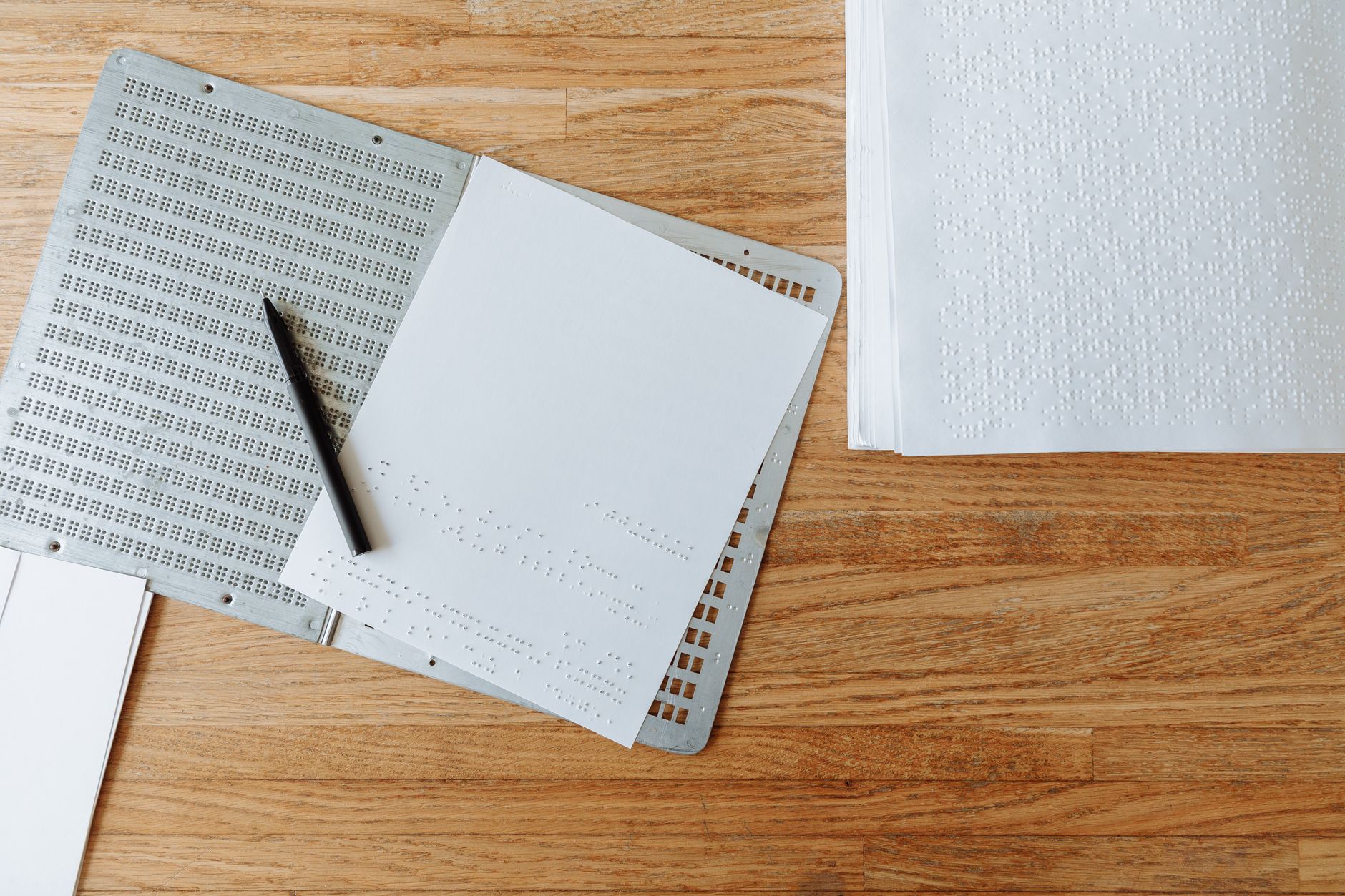
Since 28 June 2025, a large share of businesses selling to consumers in the EU have been legally required to make their websites, apps and online shops accessible to people with disabilities. Most small business owners we speak to either have not heard of the European Accessibility Act (EAA), or have heard just enough to be targeted by a vendor promising "one line of code and you're compliant".
That vendor is usually selling an AI overlay. It is the wrong answer — but AI does have a real, useful role in getting accessible. This guide explains what the law asks of you, whether it applies to your business, why the overlay shortcut backfires, and how to use tools like ChatGPT or Claude to do the actual work faster. It is practical guidance, not legal advice; if you sell at scale into several EU countries, get a specialist to check your position.
What the European Accessibility Act actually requires
The EAA (Directive (EU) 2019/882) sets common accessibility requirements for a list of products and services across the EU. For most SMBs, the part that matters is services delivered to consumers online, especially e-commerce: product pages, basket, checkout, account areas and the information you give customers before they buy.
In practice, "accessible" is measured against the harmonised standard EN 301 549, which in turn points to the Web Content Accessibility Guidelines (WCAG) 2.1 at level AA. In plain terms, that means:
- Every image that carries meaning has a text alternative a screen reader can announce.
- The whole site can be used with a keyboard alone — no mouse-only menus, sliders or pop-ups.
- Text has enough colour contrast (4.5:1 for normal text) and still works when zoomed to 200%.
- Forms have proper labels, clear error messages and do not time out without warning.
- Videos have captions; documents customers need (terms, invoices, menus) are readable by assistive technology.
You also need to publish information explaining how your service meets the requirements — most businesses do this with an accessibility statement — and keep it up to date. Enforcement sits with national authorities in each member state, and penalties are set nationally, so the risk varies by market. Complaints from customers are the most likely trigger.
Does it apply to your business?
Run through these four questions:
- Do you sell to consumers (B2C) in the EU? Pure B2B services are largely outside scope. If you sell to both, the consumer-facing parts count.
- Is it one of the covered services? E-commerce is the big one. Consumer banking, e-books, ticketing for passenger transport and electronic communications are also covered. A brochure website for a local plumber is generally not in scope in its own right — but if you take bookings and payments online from consumers, look closer.
- Are you a microenterprise? Service providers with fewer than 10 employees and annual turnover or balance sheet of no more than €2 million are exempt from the service requirements. This exemption does not apply to manufacturers of covered products.
- Are you UK-based? The EAA is EU law, so it does not apply to your UK-only sales — but if you sell online to consumers in EU countries, it can apply to that activity. UK businesses already have duties under the Equality Act 2010 to make reasonable adjustments, so the work is rarely wasted.
Two practical points. First, being exempt today does not stay true if you grow past 10 staff, so build accessibly now rather than retrofit later. Second, there is a "disproportionate burden" exception, but you have to assess and document it — it is not a blanket opt-out for small budgets. If your reaction is "I'm too busy to learn this", that is exactly why a one-hour check now beats a panic later.
Why AI overlays are not the answer
Accessibility overlays are widgets — usually a small icon in the corner of your site — that claim to use AI to detect and fix accessibility problems automatically. They are cheap, take five minutes to install, and are sold aggressively on the back of the EAA deadline.
The problems are well documented:
- They do not fix the underlying code. An overlay tries to patch the page in the visitor's browser. Screen reader users, who already have their own assistive settings, often find overlays interfere with them rather than help.
- They cannot make judgement calls. An AI can guess that an image shows "a person holding a box". It cannot know that the image is your returns policy illustration and should say so.
- The claims have drawn regulators' attention. In 2025 the US Federal Trade Commission ordered overlay vendor accessiBe to pay $1 million over claims that its AI tool could make any website compliant. Hundreds of accessibility professionals have signed a public statement asking businesses not to rely on overlays.
- They can increase your risk. An overlay signals that you knew about accessibility, chose a shortcut and did not fix the site. That is a weak position if a customer complains.
This is the same pattern we cover in how to spot AI-washing: a real problem, a vague "AI-powered" promise, and a subscription that solves the vendor's problem more than yours.
Where AI genuinely helps with accessibility
The useful way to think about AI here is as a fast, tireless junior who drafts and explains — while a human decides and checks. Four jobs where it earns its keep:
1. Writing alt text in bulk
An online shop with 400 product images can have alt text drafted in an afternoon instead of a week. Give the AI context, not just the image:
"You are writing alt text for an online shop. For each product image I upload, write alt text under 125 characters that describes what a shopper needs to know: product type, colour, material and any visible detail that matters for buying. Do not start with 'Image of'. If the image is purely decorative, reply 'DECORATIVE'. Product name and category: [paste]."
Then have someone spot-check every tenth description. Expect to edit roughly one in five.
2. Translating audit reports into a fix list
Free automated checkers (WAVE, Lighthouse in Chrome, axe DevTools) produce long, jargon-heavy reports. Paste the output into an AI assistant and ask: "Group these accessibility issues by page template, explain each in one plain-English sentence, rank them by impact on a customer trying to buy, and estimate whether each is a 10-minute fix, a half-day fix or a developer job." You get a prioritised backlog you can hand to your web person.
3. Fixing code and templates
If you or a freelancer edit your theme, AI coding assistants are good at specific fixes: adding labels to form fields, making a dropdown menu keyboard-operable, correcting heading order, adding visible focus styles. Ask for the change and an explanation of how to test it with a keyboard and a screen reader.
4. Plain language, captions and documents
AI can rewrite dense terms, delivery information or error messages into plain language, generate caption files from your product videos, and turn image-only PDFs (menus, price lists, brochures) into properly structured web pages. Each of these removes a common barrier with very little effort.
A 30-day accessibility plan using AI
For a typical small online shop or booking site, this is a realistic plan that one person can run alongside normal work — roughly 2–4 hours a week.
Week 1 — Find out where you stand. Run Lighthouse and WAVE on your five most important templates: home, category, product, basket/checkout and contact. Then put your mouse away and try to buy something using only the Tab, Enter and arrow keys. Note every point where you get stuck. Use AI to turn the results into a single ranked list.
Week 2 — Fix the checkout path. Prioritise anything that stops a customer completing a purchase: unlabelled form fields, keyboard traps, low-contrast buttons, CAPTCHAs without an alternative, error messages shown only in red. These usually sit in a handful of templates, so one fix repairs hundreds of pages.
Week 3 — Content clean-up. Bulk-draft alt text with the prompt above, add captions to videos, replace image-only PDFs, and check that headings follow a logical order (one H1, then H2s, then H3s).
Week 4 — Test with real people and publish your statement. Re-run the automated checks, then ask someone who uses a screen reader to try the checkout — disability-led testing services and local charities can help for a modest fee. Finally, use AI to draft an accessibility statement covering what you have tested, known issues, and how customers can report a problem, and have a human check that every claim in it is true.
What AI cannot do for you
Be clear-eyed about the limits, because this is where businesses get caught out:
- Automated checks miss most issues. Automated tools catch only a minority of WCAG problems — figures of 30–40% are commonly quoted. Keyboard and screen reader testing by a human is not optional.
- AI can confidently get things wrong. It may produce alt text that sounds plausible but describes the wrong colour, or "fix" code in a way that breaks something else. Treat every output as a draft — the same discipline you would apply to any AI output used with clients.
- It cannot sign off compliance. No AI tool, overlay or chatbot can certify that you meet the EAA. Your accessibility statement must reflect what you have actually tested.
- It does not replace ongoing ownership. Every new product, page and plug-in can reintroduce problems. Make "alt text and keyboard check" part of your publishing checklist.
Accessibility also sits alongside your other EU obligations. If you are already working through the EU AI Act for your AI tools, it is sensible to handle both in the same compliance review — and when you buy any website or AI tool, add "show me your accessibility conformance report" to the questions in our guide on how to choose an AI vendor.
The bottom line
The European Accessibility Act is not a box you tick with a widget. It asks that disabled customers can actually find, understand and buy what you sell — which, with an estimated 87 million people living with a disability in the EU, is also simply good business.
AI will not do the job for you, but it removes most of the drudgery: drafting alt text, explaining audit reports, suggesting code fixes and rewriting content in plain language. Use it that way, keep a human in charge of testing and sign-off, and a small business can get from "we have no idea" to a credible, documented position in about a month.
Where does your business stand on AI?
Take the free 3-minute AI Readiness Quiz and get a personalised score with your next steps.
Take the Free Quiz →